A new look for deariary
deariary has a new design. We rebuilt every screen so that coming back to your days feels calm and familiar, whether you open the app on a phone over breakfast or on a laptop at the end of the day. Everything you had is still there. It just reads better.
At home on any screen
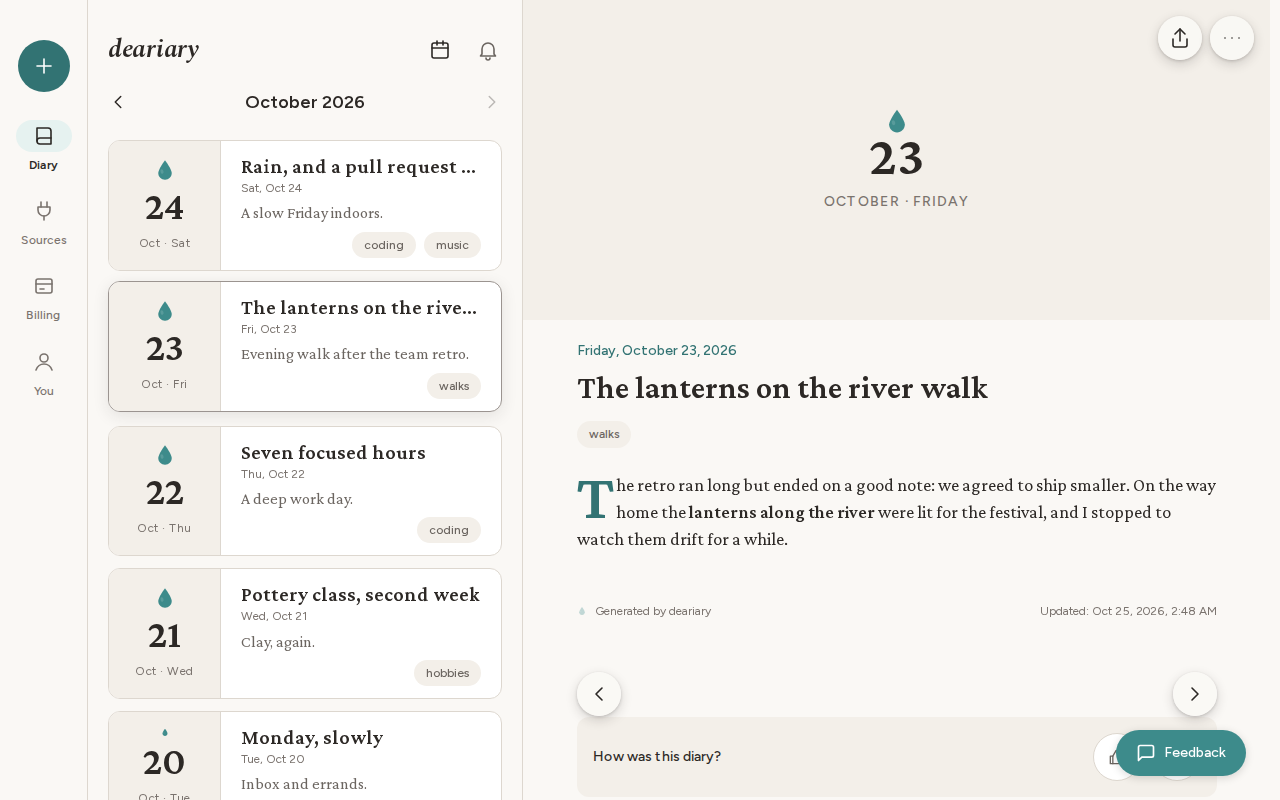
On a laptop, your entries stay in a list on the left and the day you pick opens beside it. You can move from one day to the next without losing your place in the month.
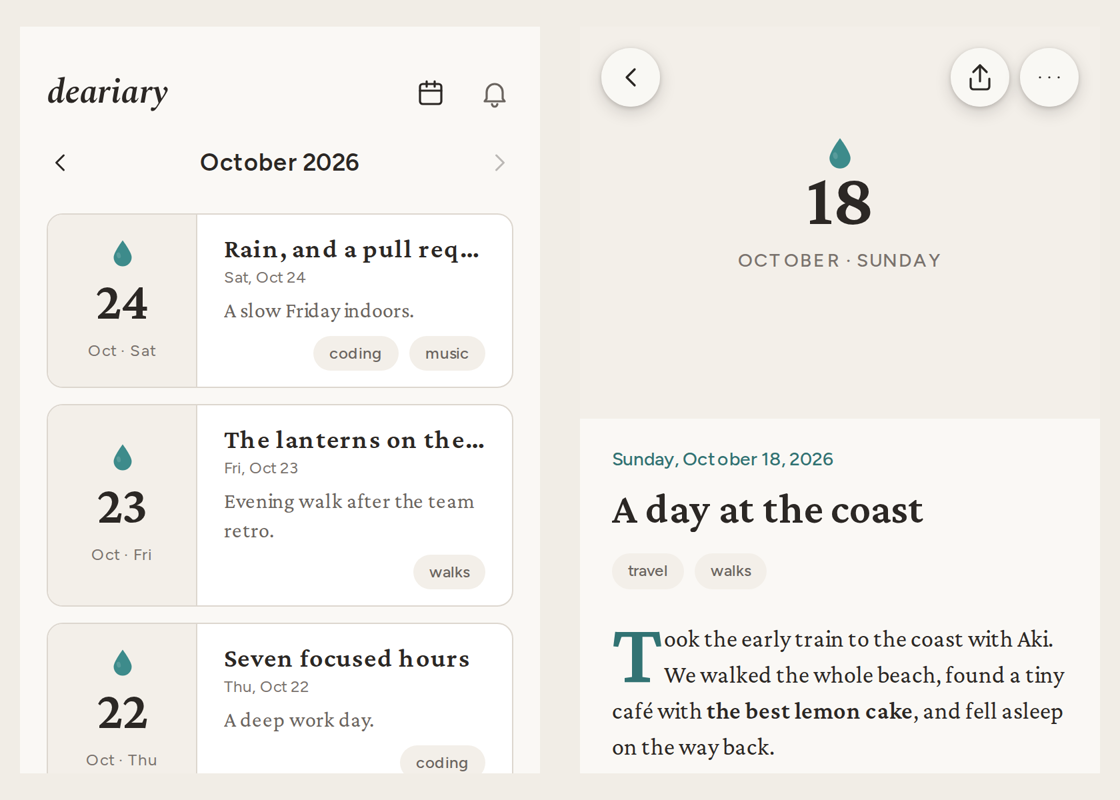
On a phone, Diary, Sources, Billing, and You sit in a bar at the bottom, with the + button in the middle, always a thumb away.
Reading your days
Entries are easier to take in at a glance. Each one in the list shows its title, a one-line summary, and its tags, and opening it brings the date, the title, and the diary itself into focus. At the end of an entry, you can step to the previous or next day, or tell us how the diary turned out.
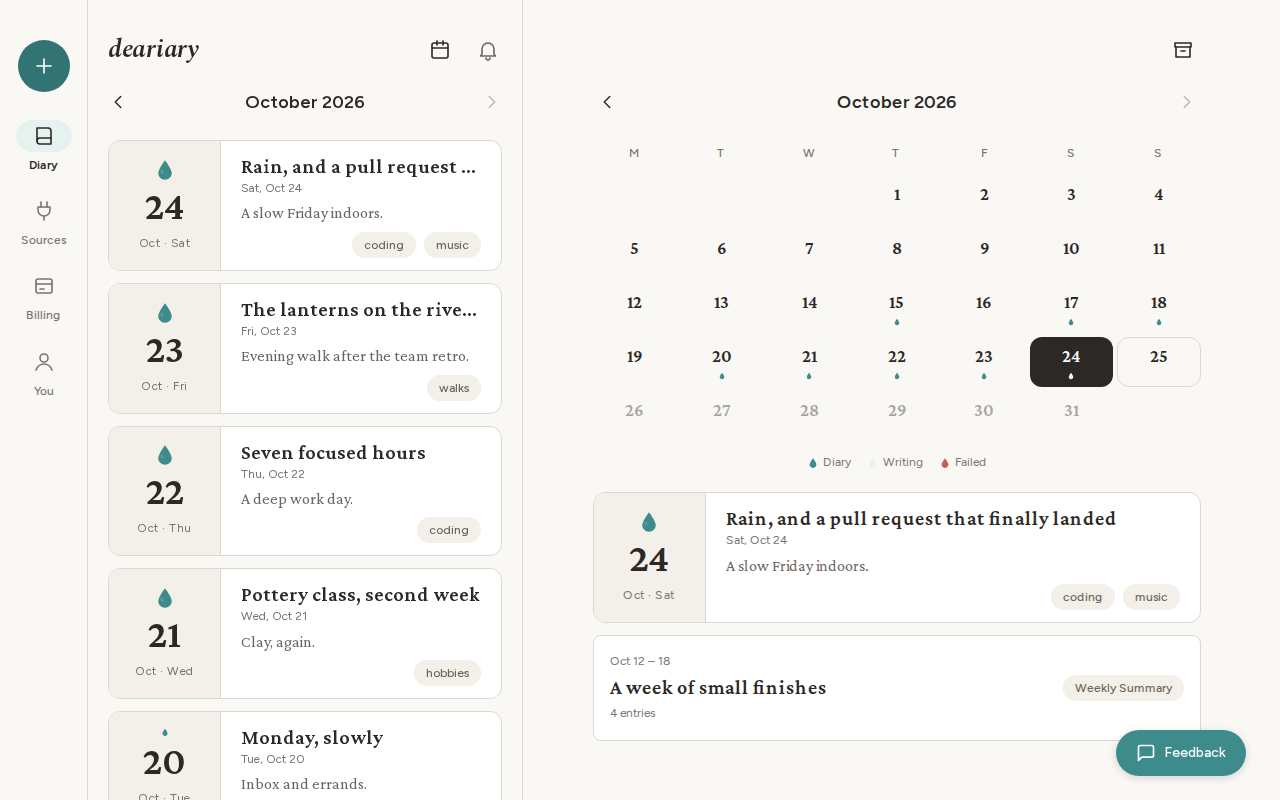
The calendar shows the whole month at once, with the days that have a diary marked, and your weekly and monthly summaries listed below it. Browse gathers your months, summaries, and tags in one place, so an old week or a favorite tag is never far away.
Adding to today
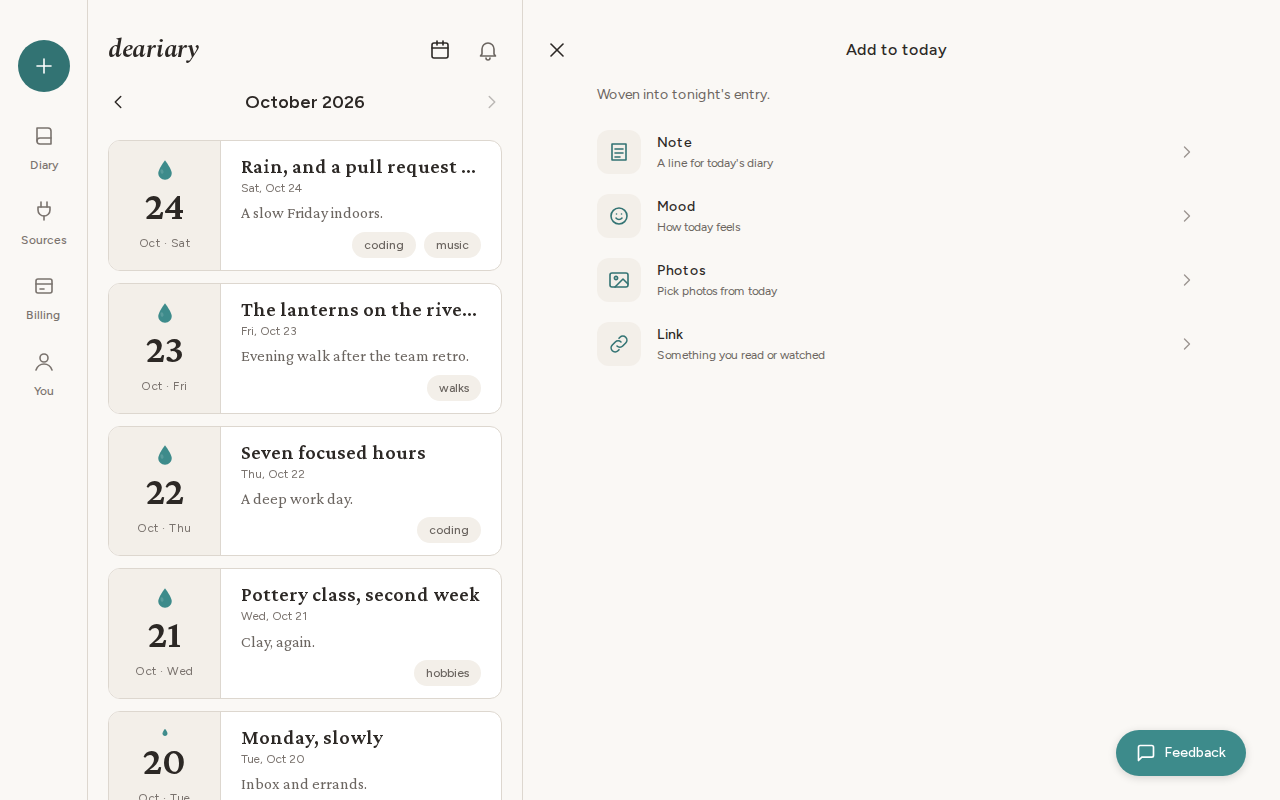
On a laptop, the + button now opens right beside your entries, so you can jot down a note, a mood, a few photos, or a link while still looking at your month.
Sources, settings, and billing
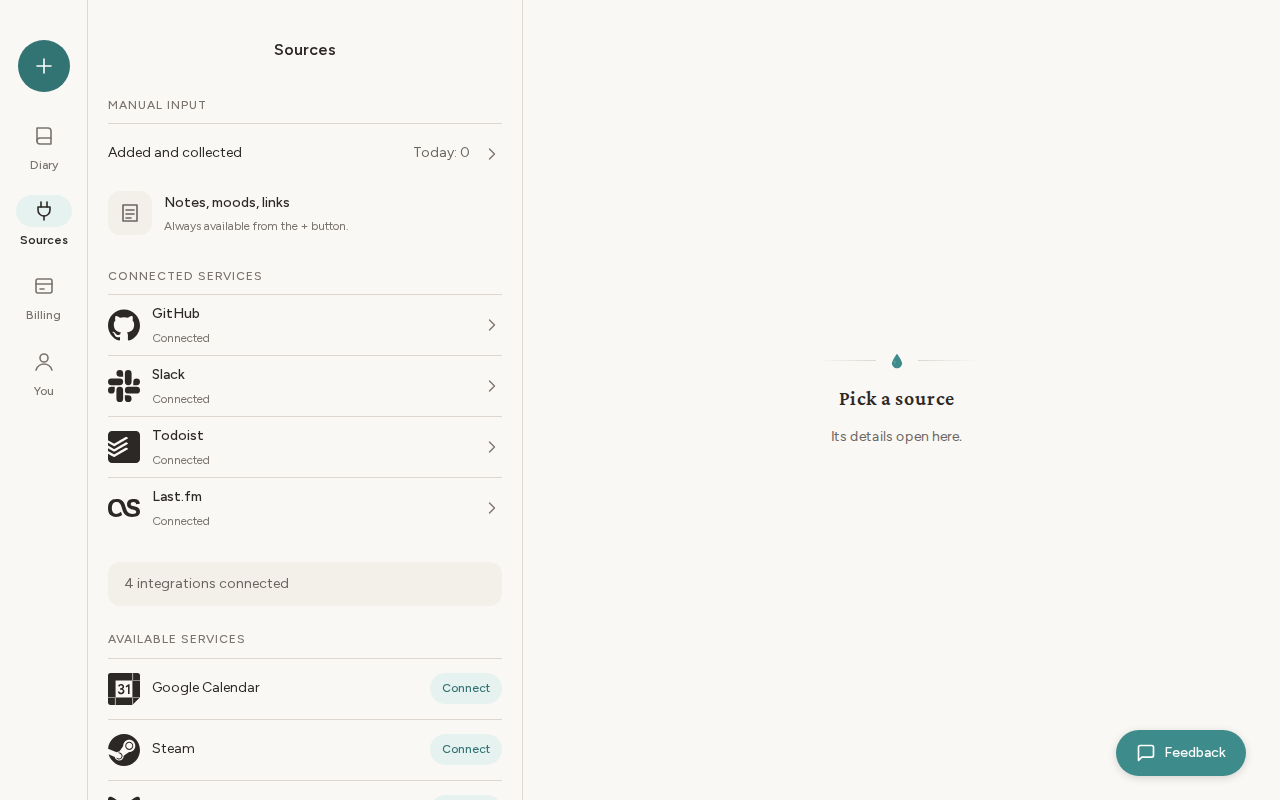
The rest of the app got the same care. Sources shows at a glance what feeds your diary: what you add yourself, the services you have connected, and the ones you can add. Your settings are grouped into Diary, App, and Account, and Billing lays out the plans side by side.
New to deariary? Sign-up and the first-run guide use the new design too, with a short introduction to what deariary does and how your diary gets written each day.
Small things that add up
- If something fails to load, the app now tells you and offers Retry, instead of leaving an empty page.
- Long lists, like your notifications, keep loading as you scroll.
- Weekly and monthly summaries now arrive even if you turned off their email.
- On the last day of a trial, the reminder now says the trial ends today.
- A service you disconnect disappears from Sources right away.
- Signing out and back in brings you back to your diary.
For developers
- Outgoing webhooks now deliver events, signed with your webhook secret. Endpoints registered before this update never received anything and were removed, so please register them again.
- API keys, like the Public API they unlock, are now part of the Advanced plan.
